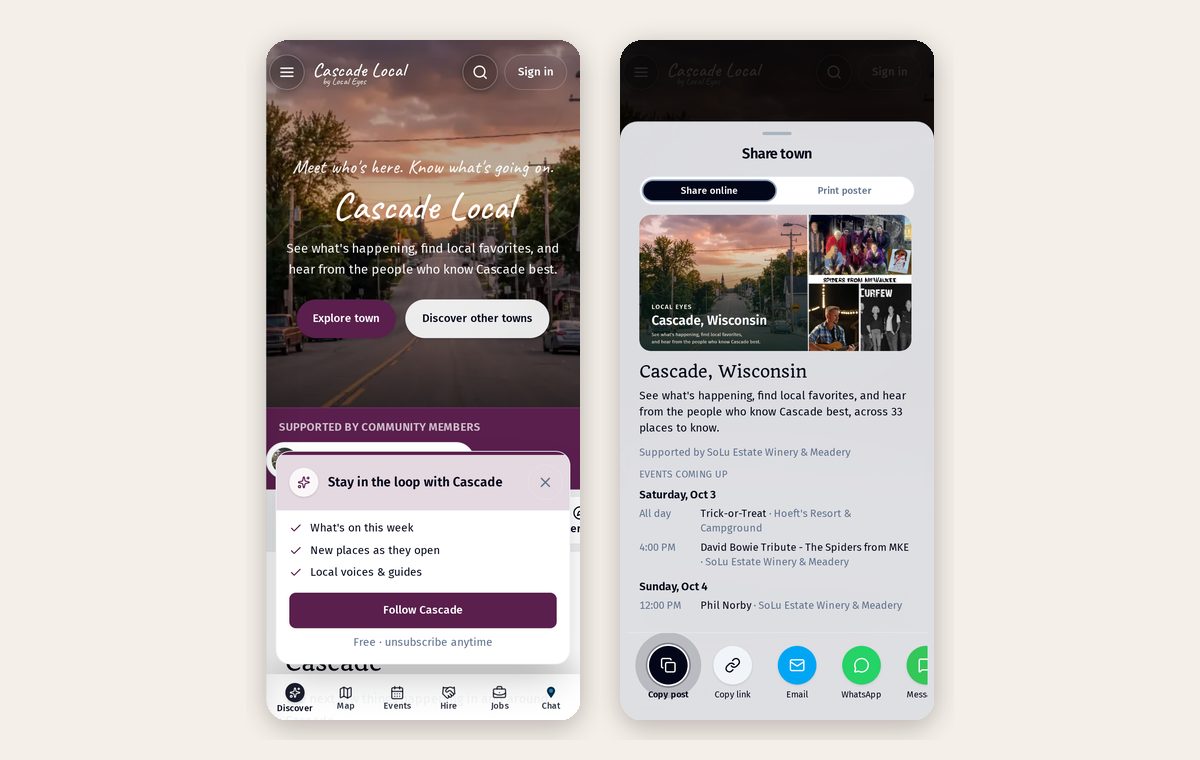
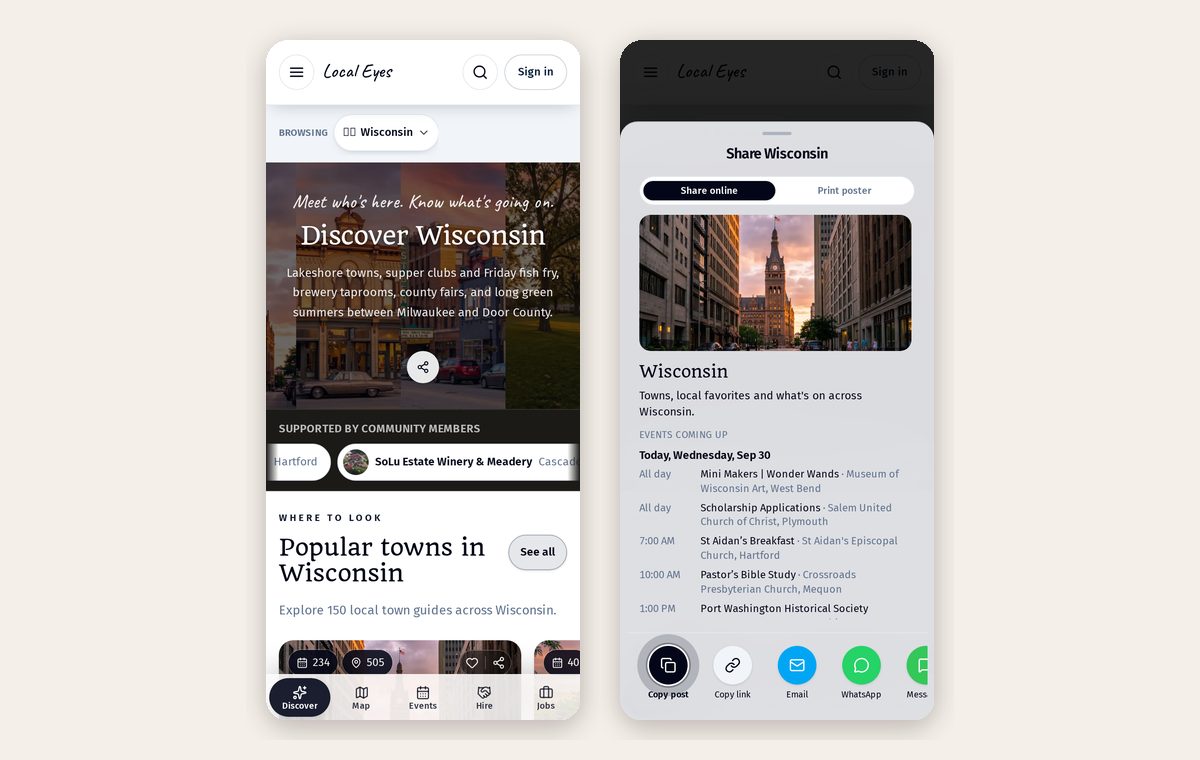
Sharing
Posters, table tents and QR codes
Turn any page into a print-ready flyer or folded table tent with a code to scan.
Part 1
Print in two taps
Part 1
Print in two taps
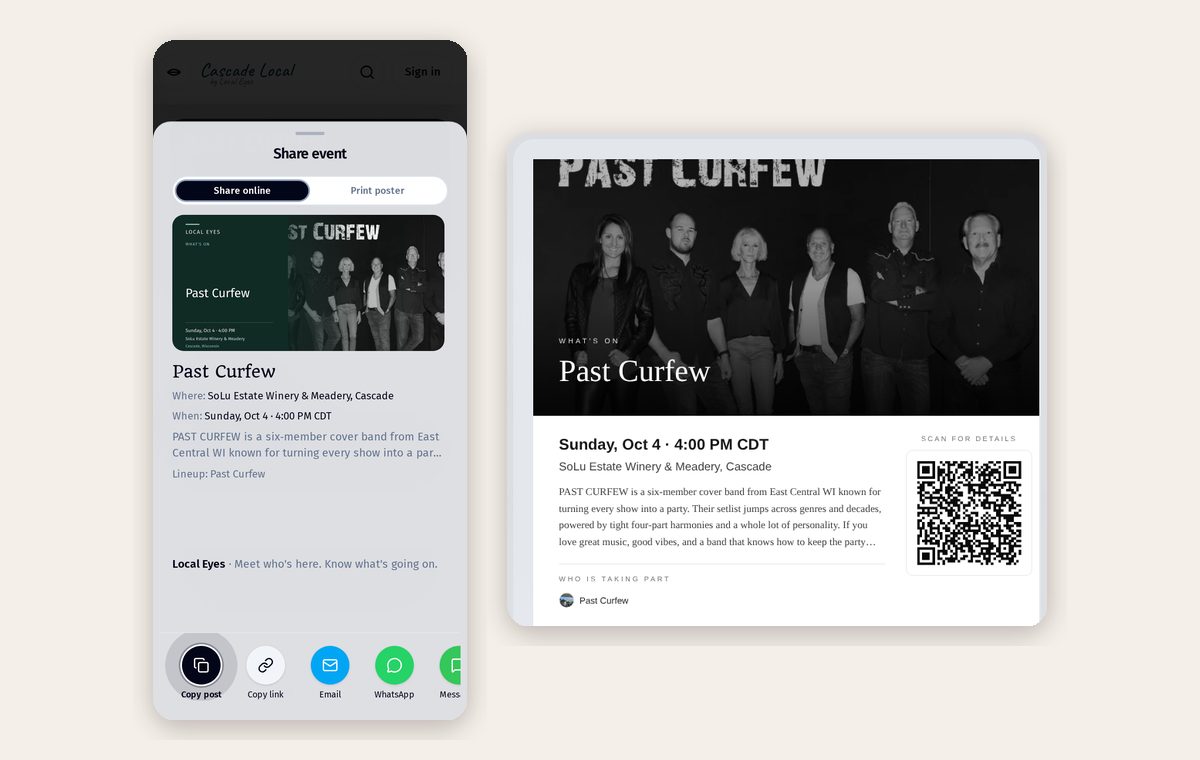
Open Share, switch to Print poster, and pick a format.
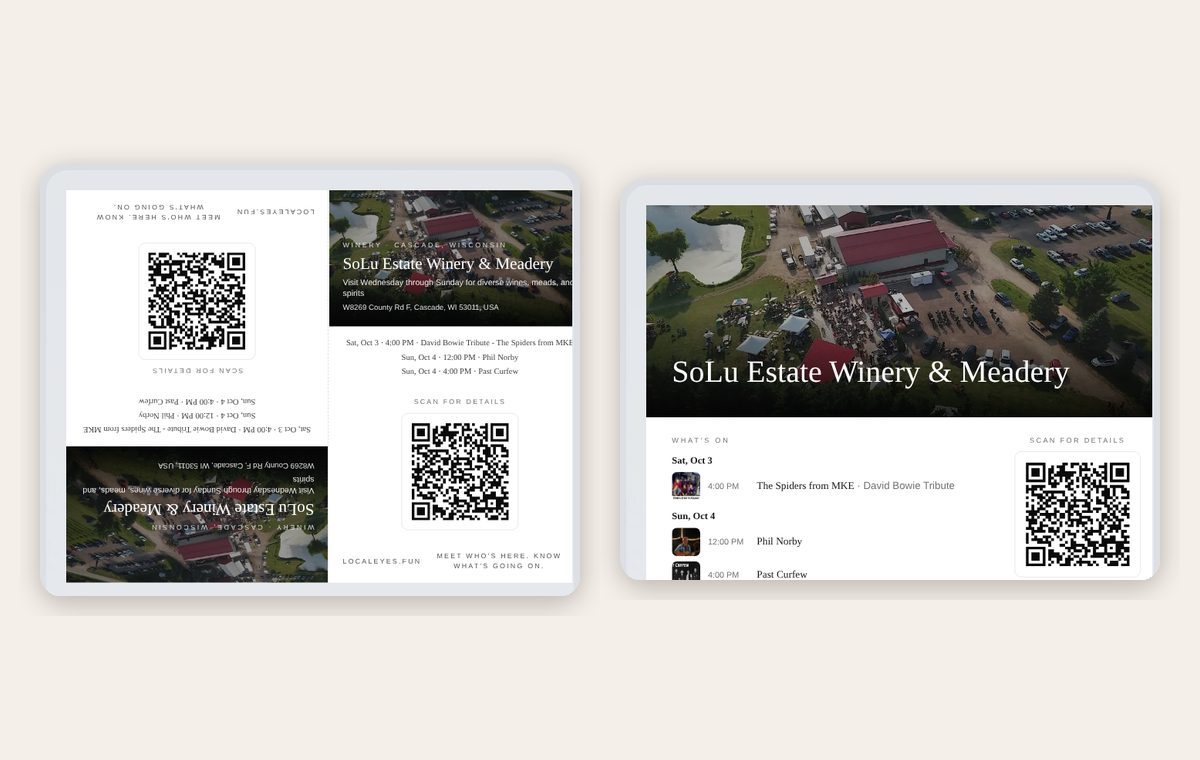
- 1FlyerPhotos, details and a code to scan — for the door, the fridge or the notice board.
- 2Table tentFolds and stands up on a counter, table or nightstand.
- 3Save PDF or PNGPrint at home, send to a print shop, or post the image.
Part 2
Never reprint for changes
Part 2
Never reprint for changes
The code always opens the live page, so updated events and picks show up without printing again.
Was this helpful?