Recommendation lists
Build a recommendation list in minutes
Your favorite places, one link — with a map, reviews and live events.
The big idea
Your picks, one link
The big idea
Your picks, one link
A recommendation list is your own mini-guide: the places you'd tell a friend about.
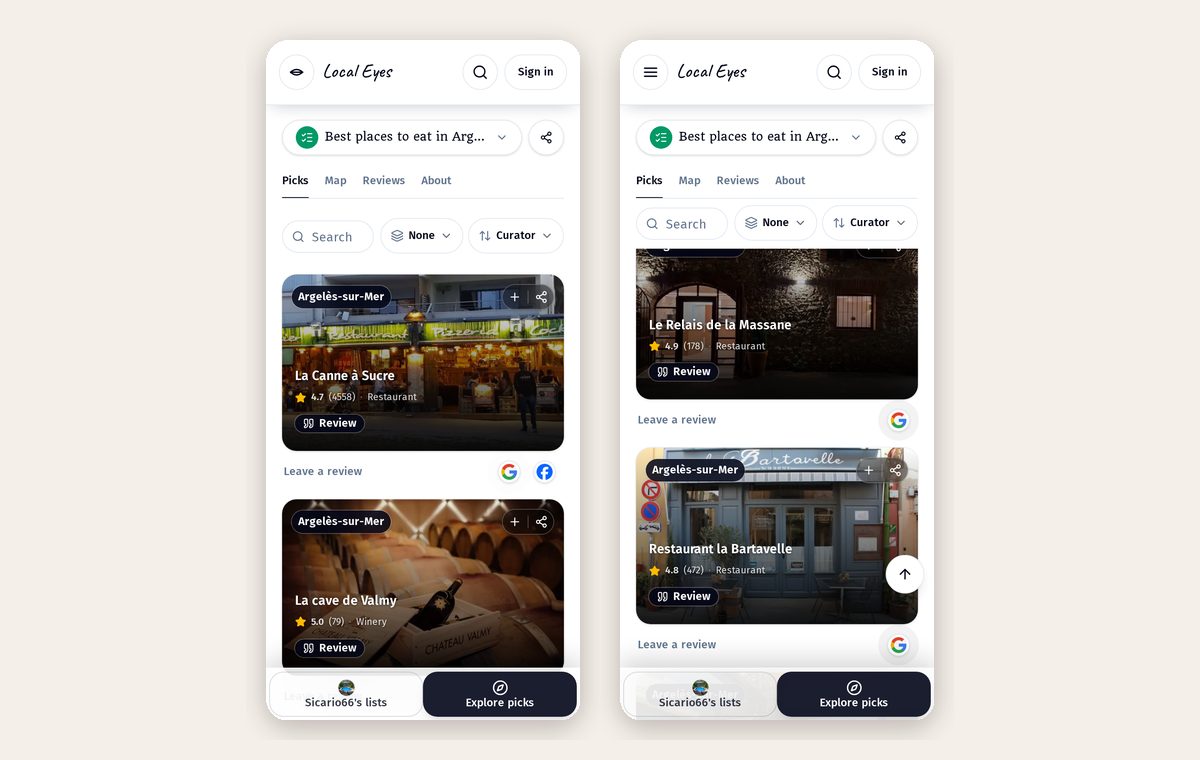
- 1Pick placesTap + on any place to add it to a list.
- 2Add your whyOne line per place: what to order, when to go.
- 3Share itOne link, always up to date.
Part 2
Three ways to add places
Part 2
Three ways to add places
Your list grows one tap at a time.
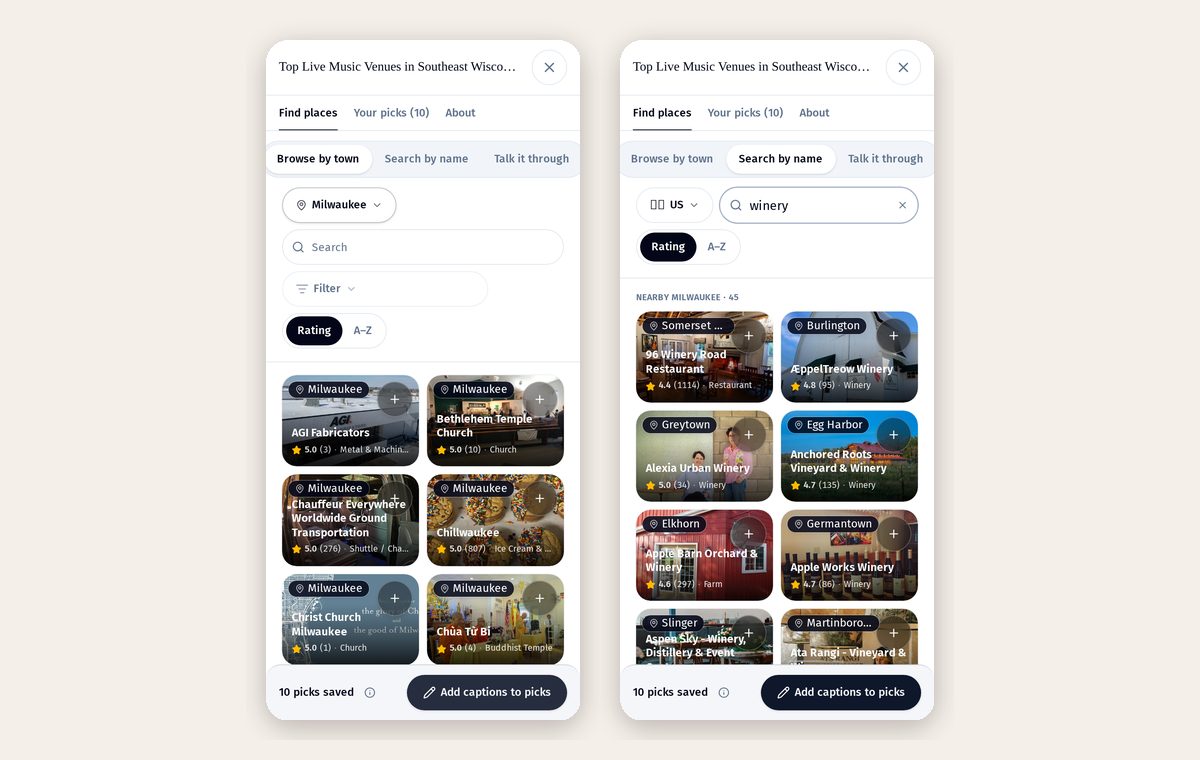
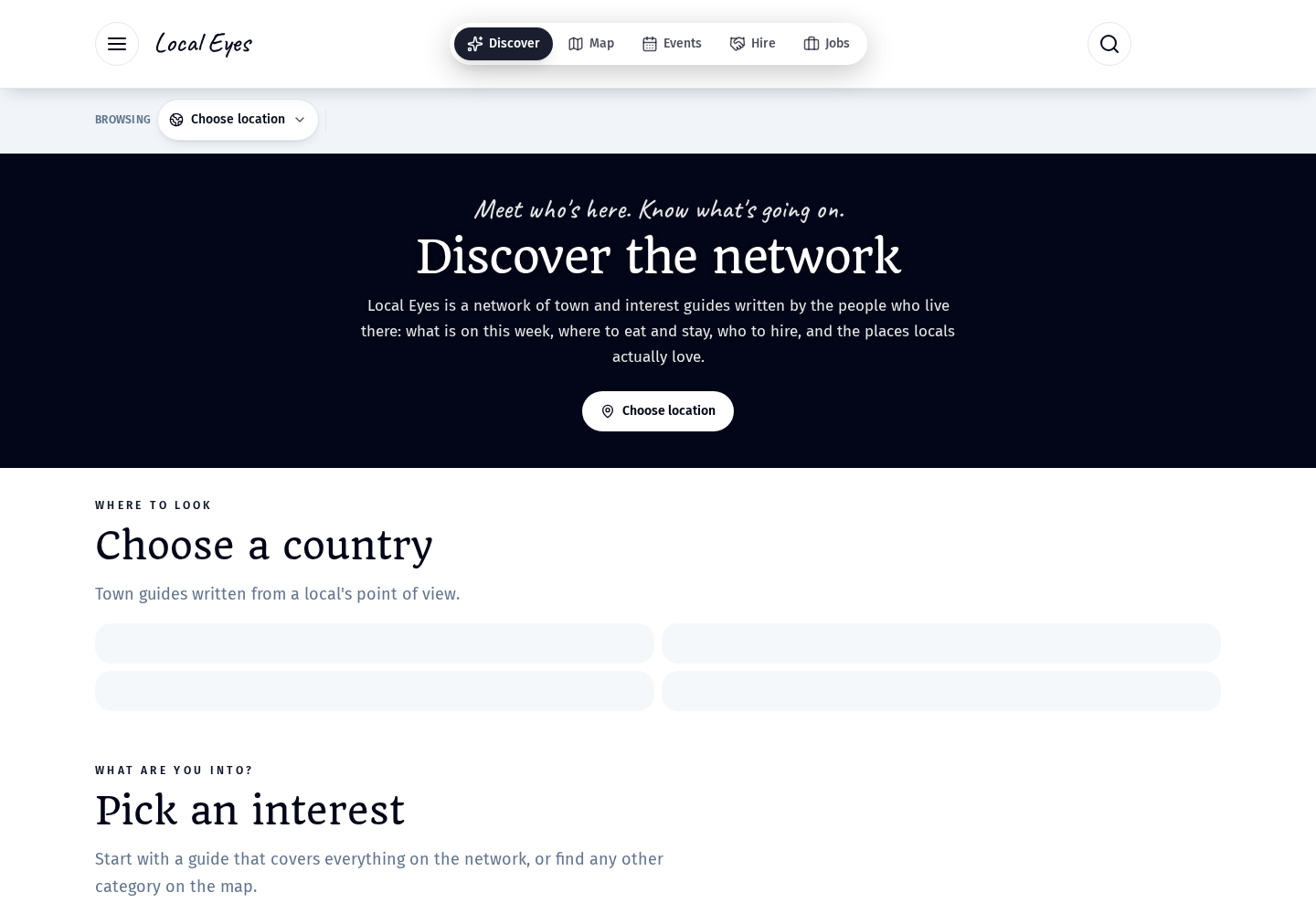
- 1Browse by townEvery place in your town, photo cards first. Tap + to add.
- 2Search by nameAny place, anywhere. If it's not on Local Eyes yet, the wider search adds it for everyone.
- 3Talk it throughSay what the list is for. Suggestions appear as cards — nothing is added until you tap one.
Part 3
Picks, map and reviews
Part 3
Picks, map and reviews
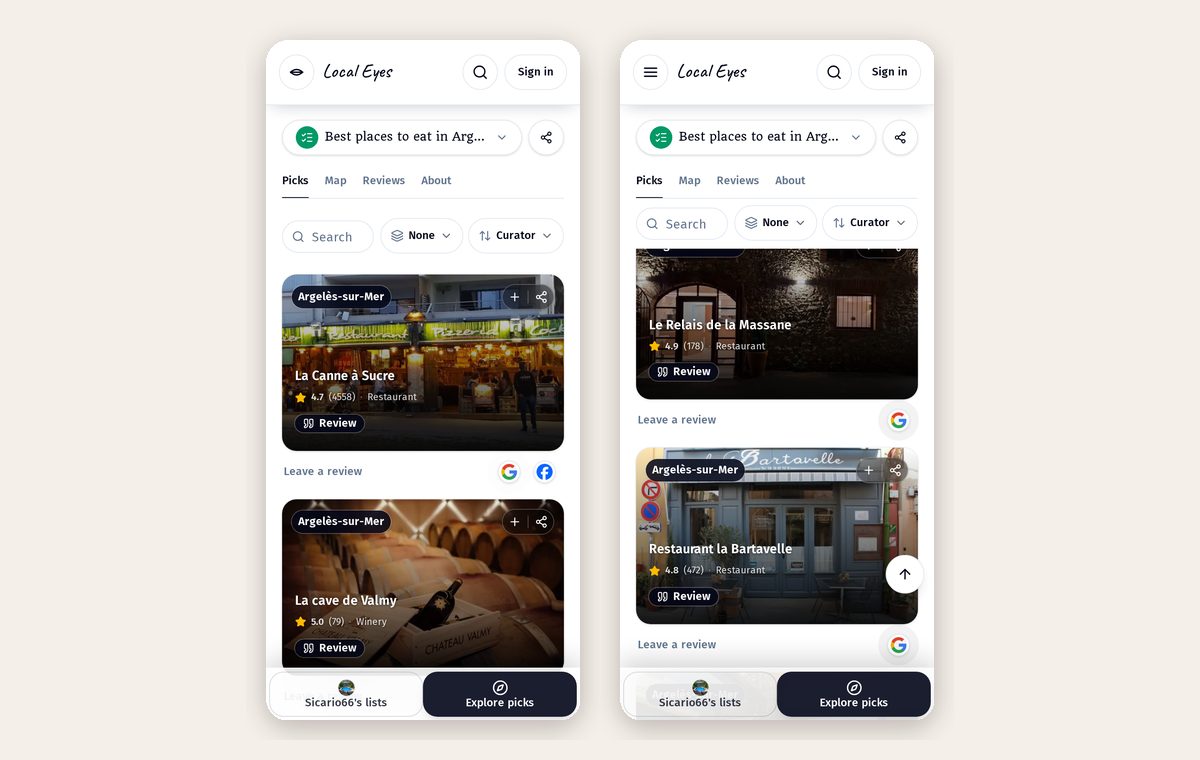
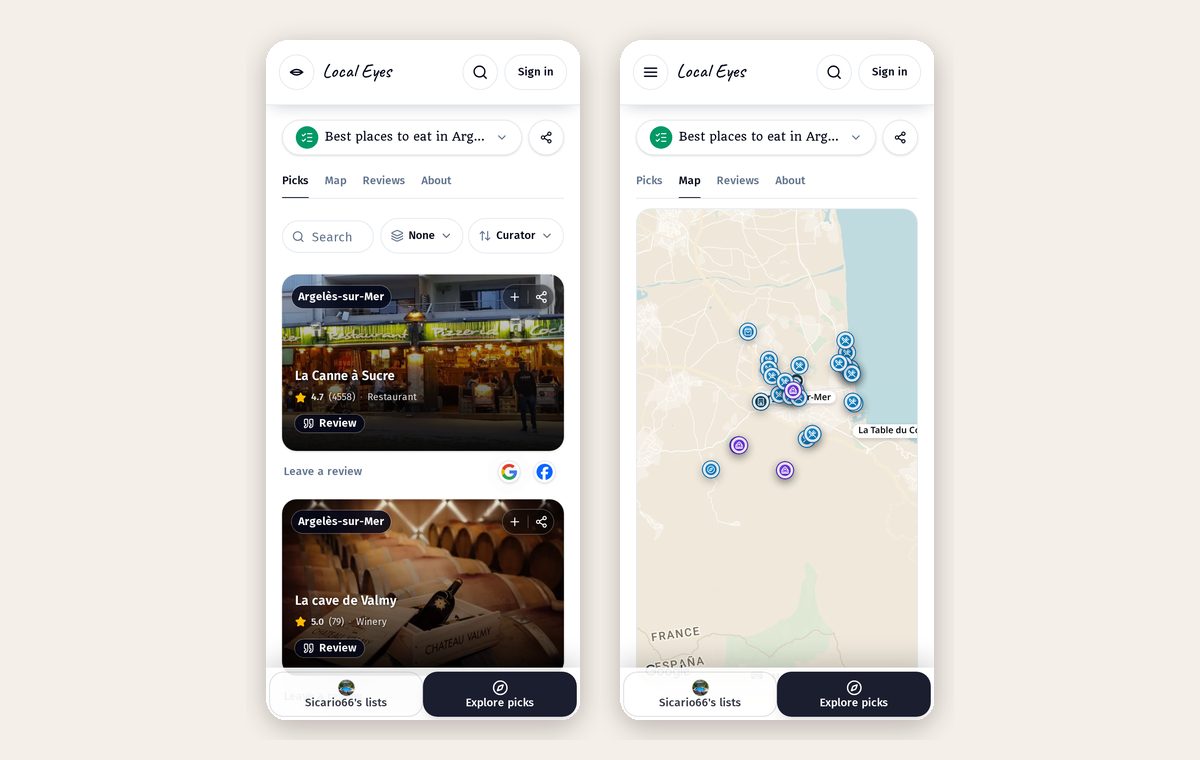
Visitors get photos, ratings and your notes for each place, plus a map of everything so they can plan a day.
Part 4
Always fresh
Part 4
Always fresh
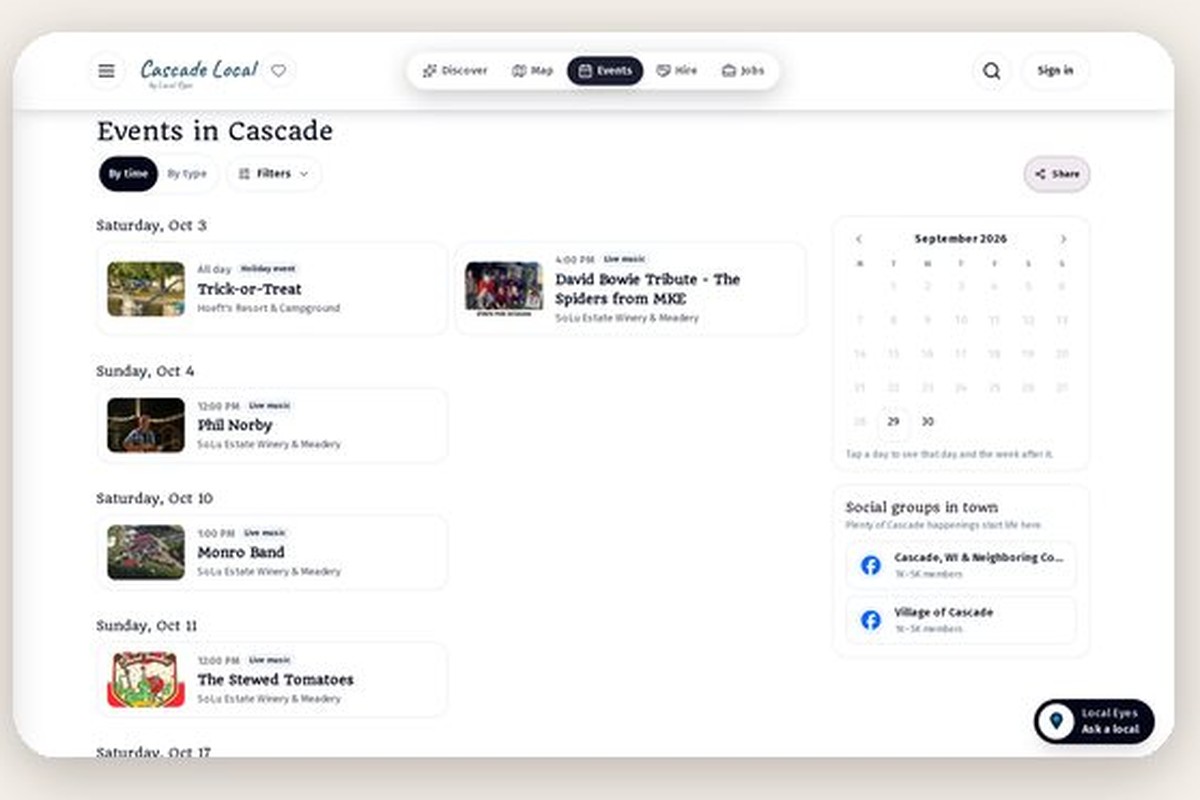
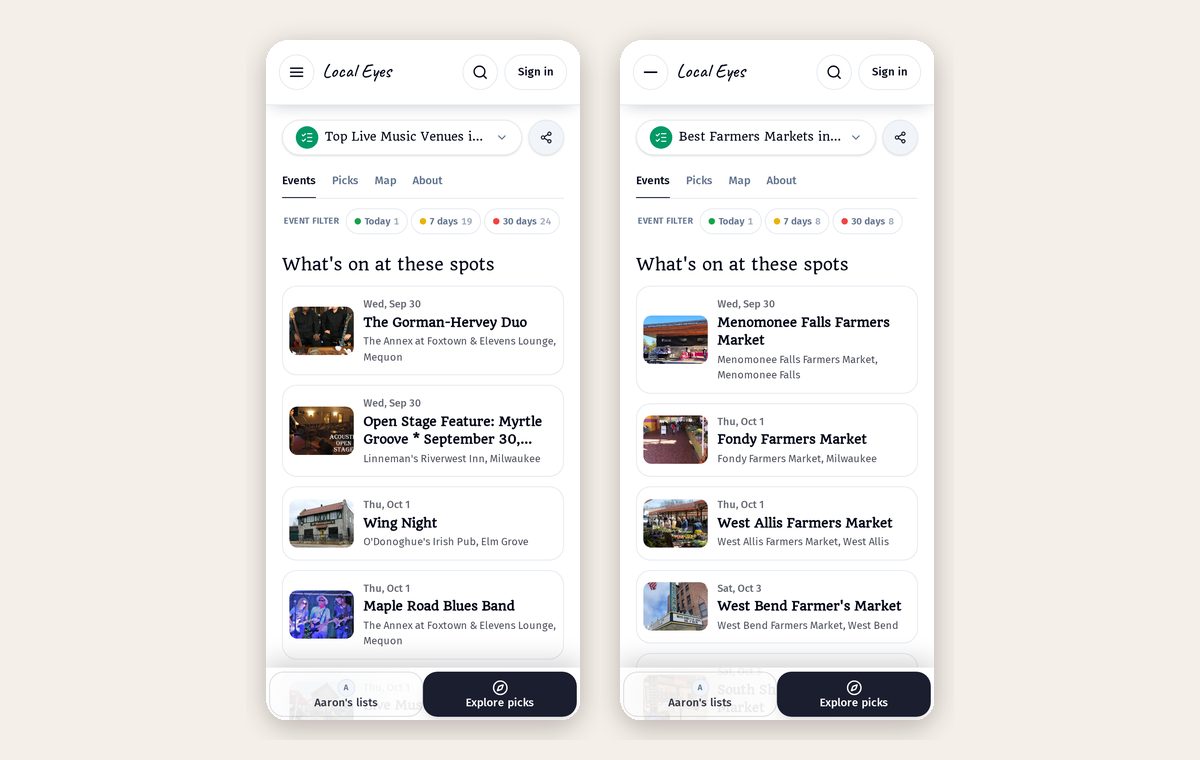
When your picks host events, the list shows them automatically — filter by today, 7 or 30 days. Ended events drop off on their own.
Part 5
Share or print
Part 5
Share or print
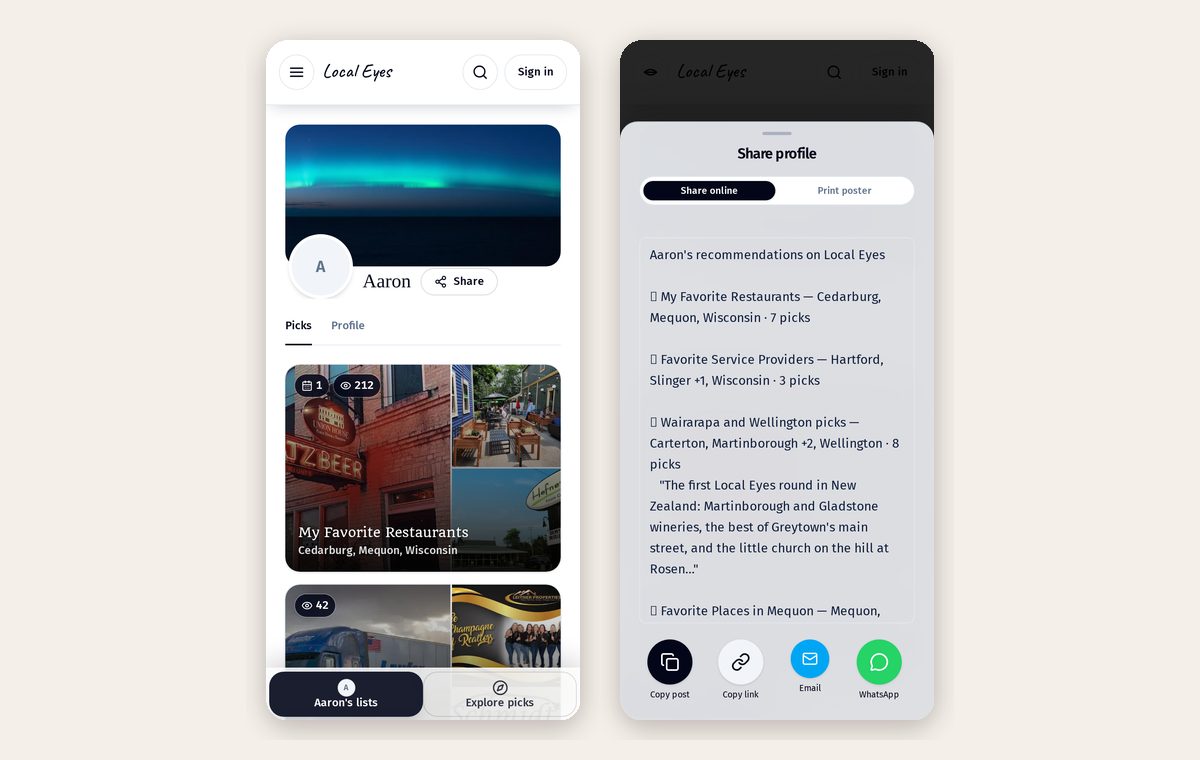
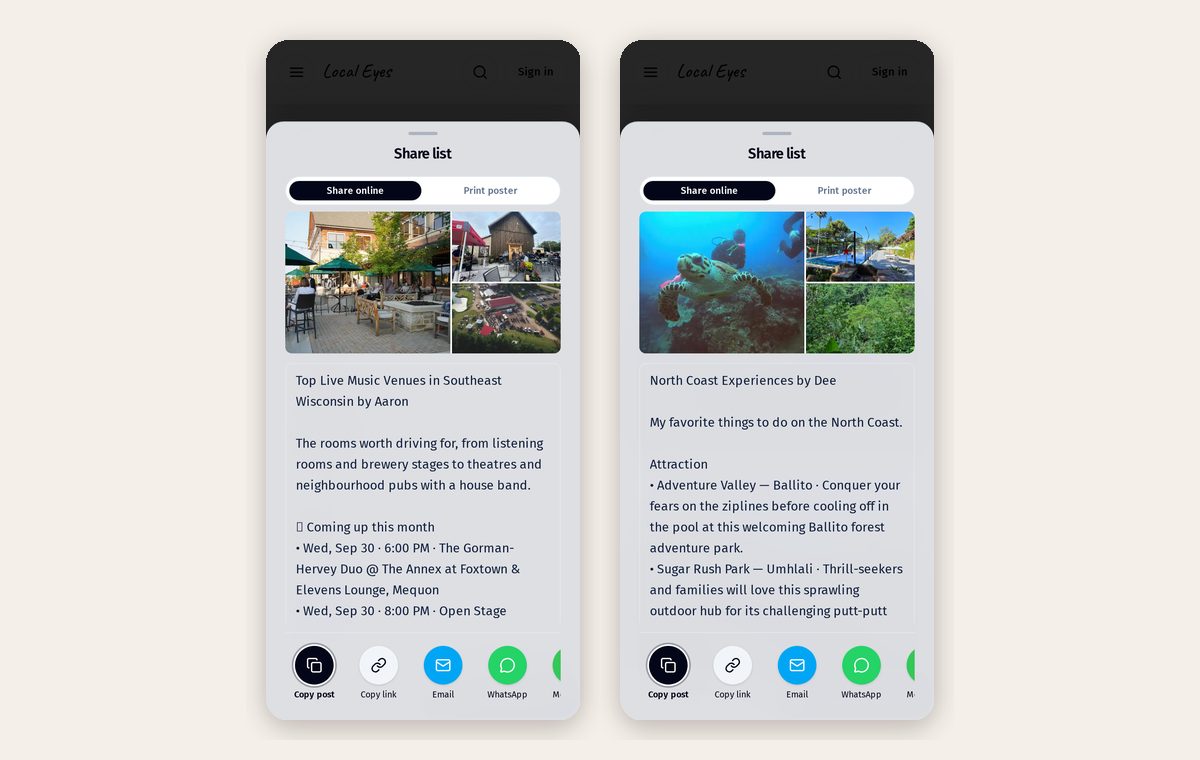
The Share button writes the post: title, picks by type and a line on each. Switch to Print poster for a flyer or table tent with a code.
Part 6
All your lists together
Part 6
All your lists together
Every list lives on your profile page, with view counts. Share the profile once and people can browse everything you recommend.