Getting started
Find something happening
Use the Events tab to see everything coming up, soonest first.
Part 1
Open Events
Part 1
Open Events
The Events tab lists everything coming up in a town, soonest first.
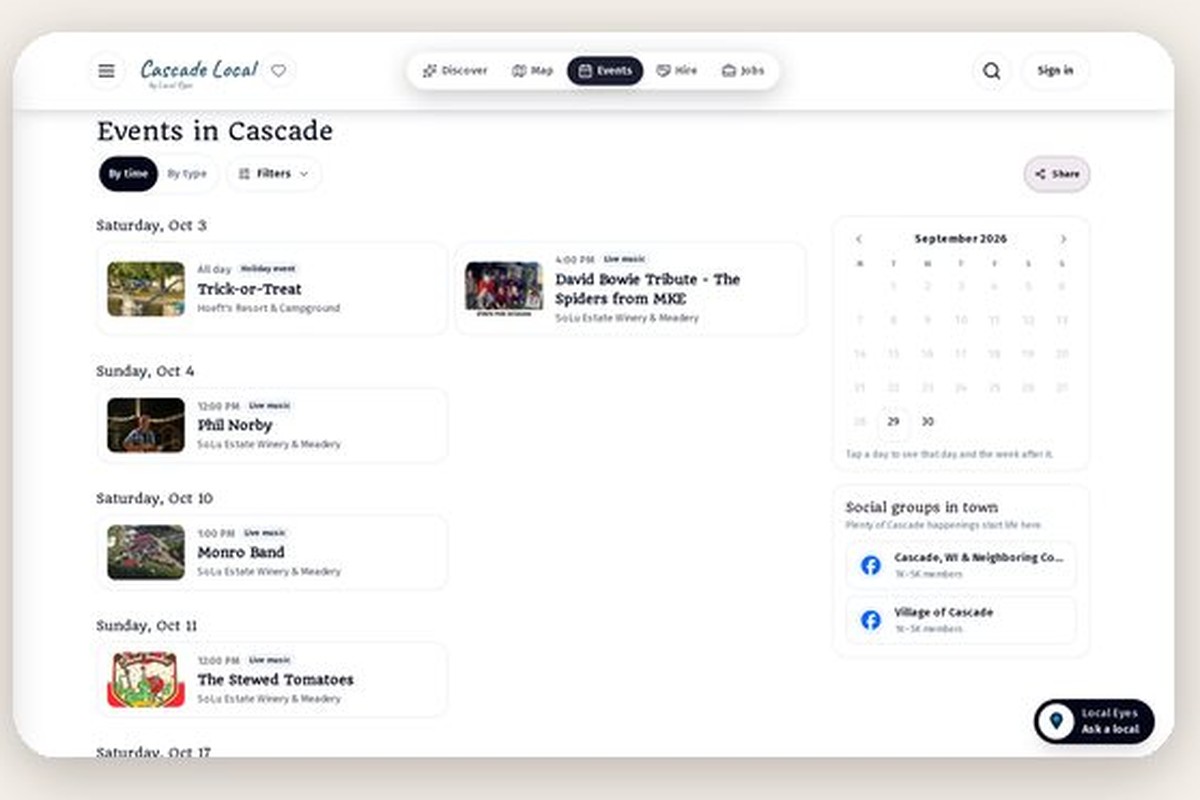
- 1Open EventsFrom the menu at the top, or the bar at the bottom on a phone.
- 2Narrow it downSwitch to By type for live music or tastings, or tap a day on the calendar.
- 3Tap an eventYou see the time, the venue with directions, and who is playing.
Event times always show in the town's own time, wherever you are.
Was this helpful?