Events
Add an event
Add a one-off or recurring event, link venues and acts, and send visitors to your own ticket or payment provider.
Part 1
Post once, seen everywhere
Part 1
Post once, seen everywhere
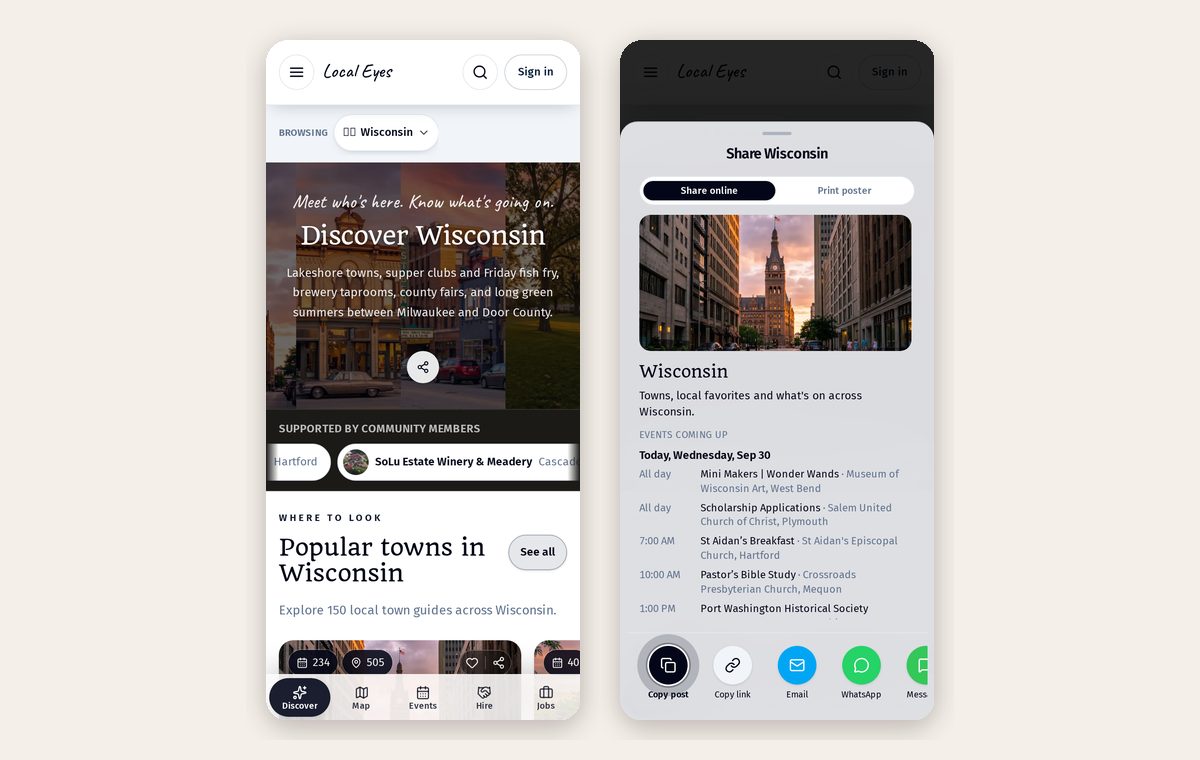
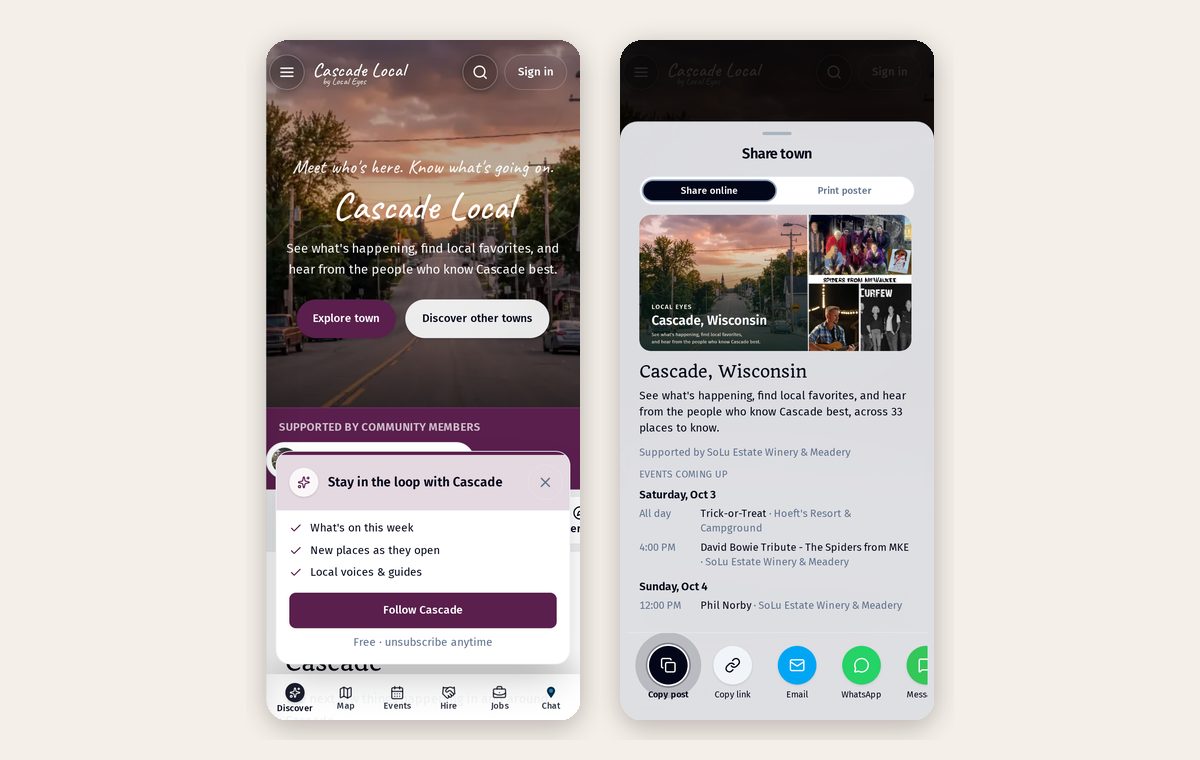
An event on your page also appears in the town feed, on interest pages and in the weekly town email.
- 1One-off or recurringChoose a single date or a repeating schedule like every Friday.
- 2Add from a link or posterAdd the details in your Events tab, or start with a photo of your poster.
- 3Give it a clear nameLead with what's happening — "Live Music with Monroe Band" — the venue already shows underneath.
Part 2
Every event has a real place
Part 2
Every event has a real place
Each event carries a real address and map pin, so visitors get directions in one tap.
Part 3
One event, both pages
Part 3
One event, both pages
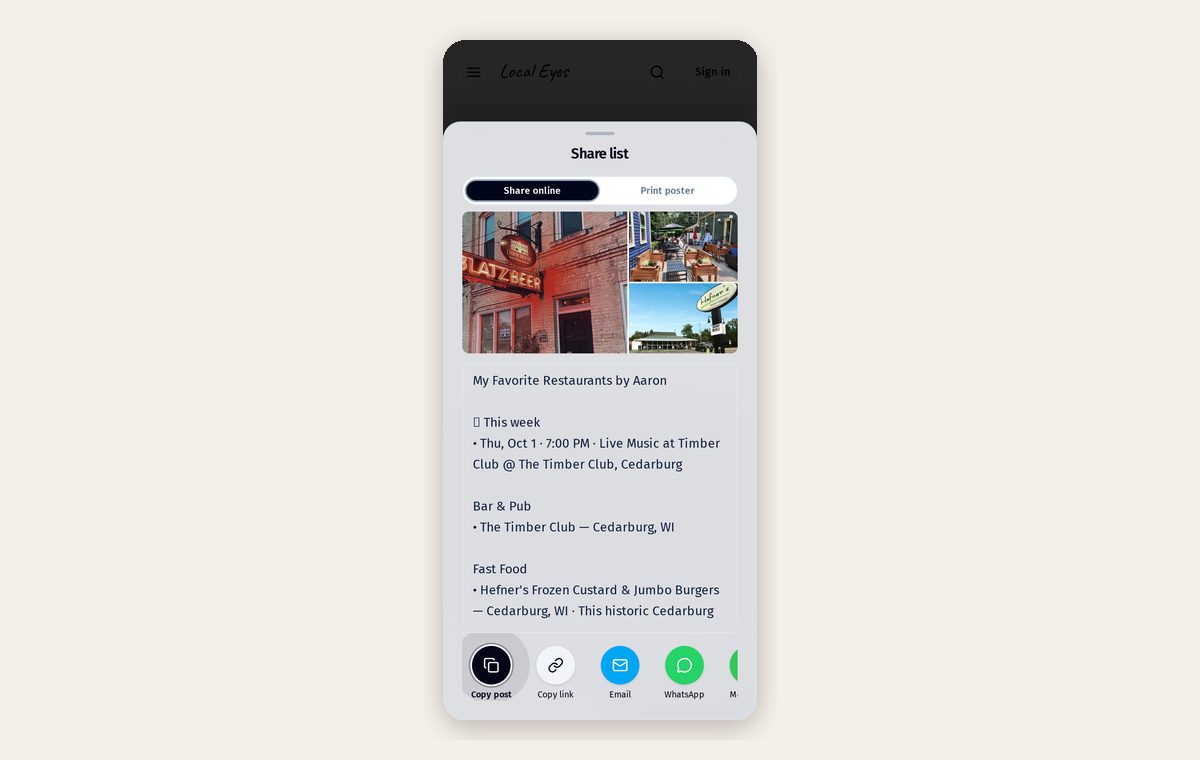
When a venue names the act, or a band names the venue, the event shows on both pages and both audiences see it.
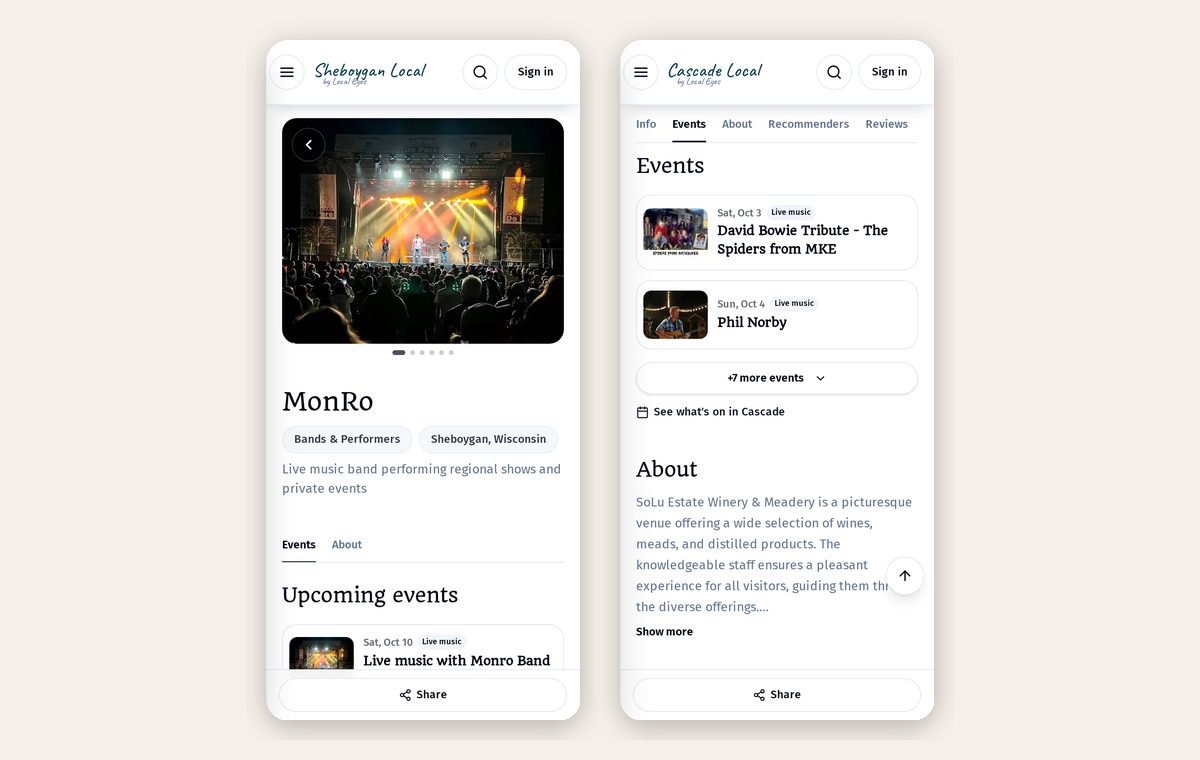
- 1Name the actFans of the band see the show too.
- 2Added by someone else?Your Events tab lists events others added you to, labeled "Added by".
- 3Not yours?Use "Remove me from this event" to unlink yourself.
Part 4
Use the tools you already have
Part 4
Use the tools you already have
Local Eyes doesn't sell tickets — you keep the money and the relationship. Add a ticket link to any event.
- 1Ticketing sitesEventbrite, Ticket Tailor or Humanitix links work as-is.
- 2Simple payment linksStripe Payment Links, PayPal, Square or SumUp for cover charges and pre-sales.
- 3Free eventsLeave it empty, or link to an RSVP form.
Was this helpful?